

Do you know how to check your membership status? It’s easy. But first, log in to the website with your username/email and your password.
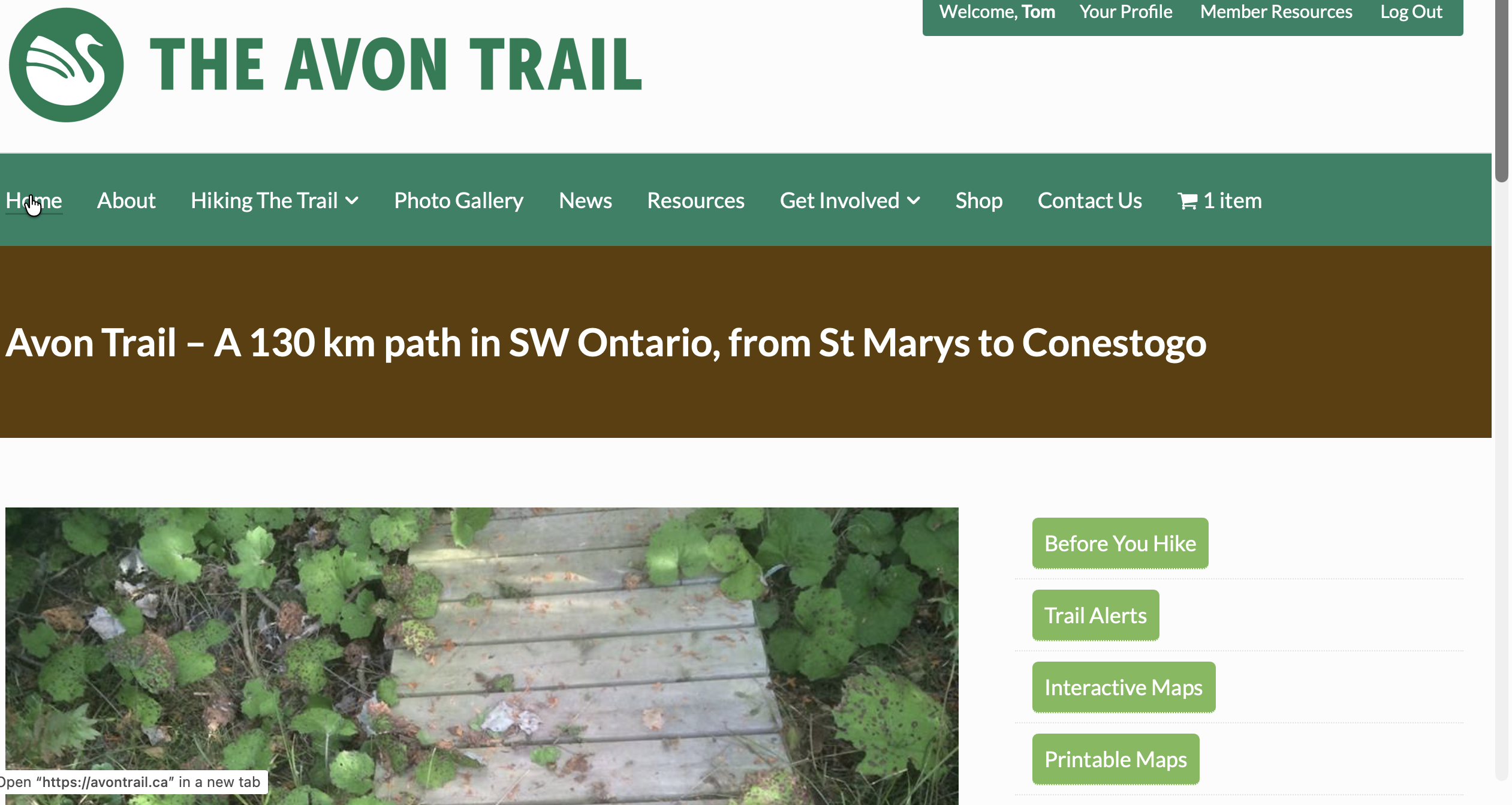
Are you using a computer or an iPad? Then. You will see a green coloured banner on the right with a WELCOME followed by your name. Click your name to see your membership account.
If using a mobile to log into the website, your interface looks different. Log in to the website by clicking the three vertical bars on the right side of your screen. Then scroll to the bottom. Click on Members Resources. From here, you can view your membership account.
On Your Membership Account screen, you’ll see:
-
- Your current membership level
- Your expiry/renewal date
If your membership is close to expiring, this is a great time to renew so you don’t miss out on alerts regarding upcoming hikes and events!
If you have any trouble finding this, contact us at News@avontrail.ca